


SIGN UP FOR DAILY EMAILS

Led Sports Women Watches Men Digital Watches Top Brand Luxury Ladies Digital Watches Watches For Women Men Digital Reloj Hombre
rose
$82.06
Skip to product information






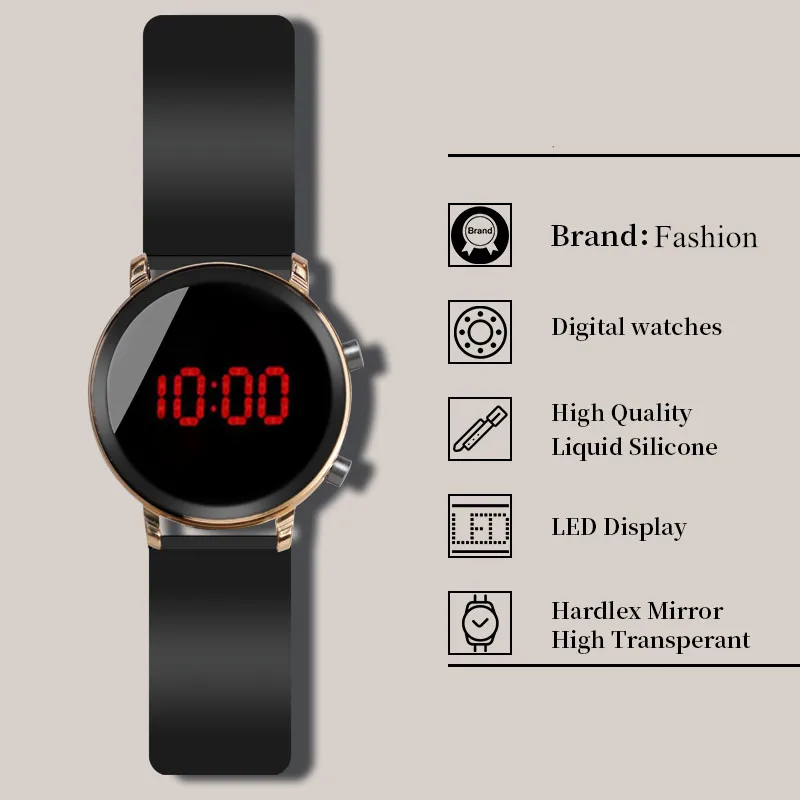


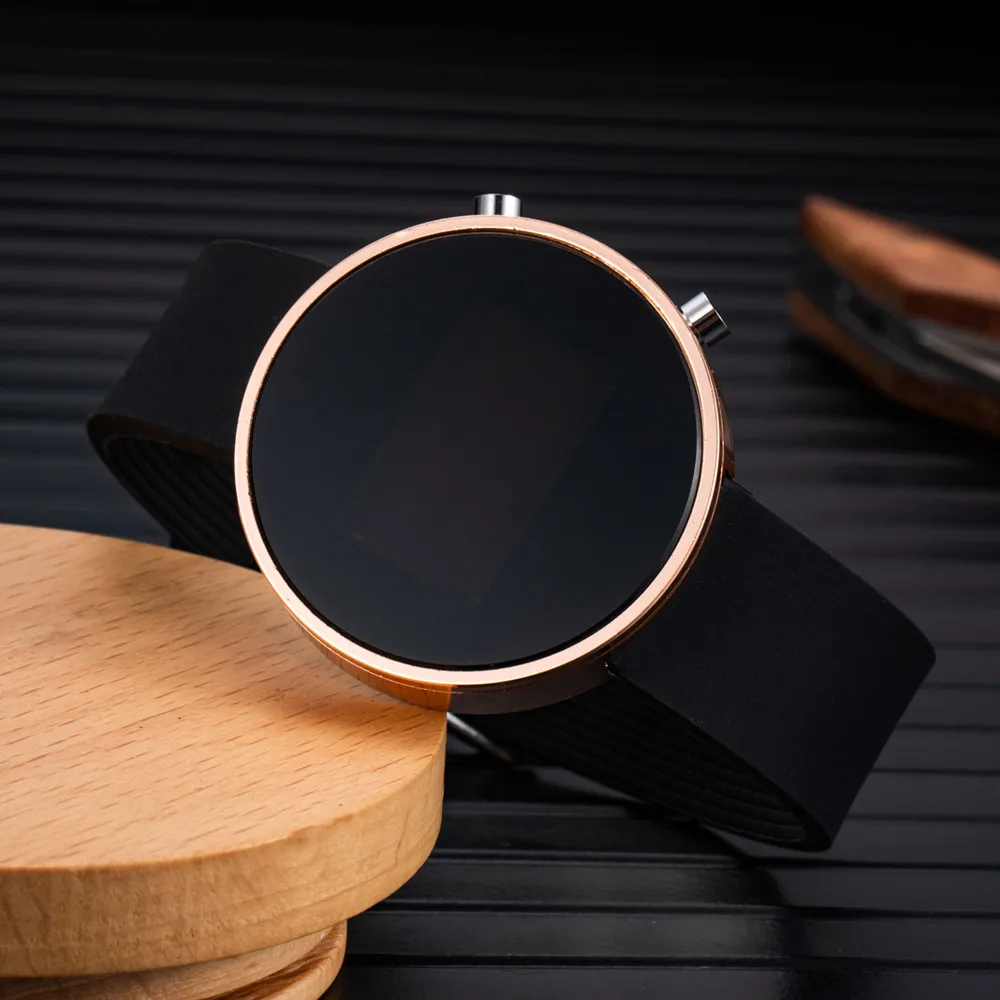


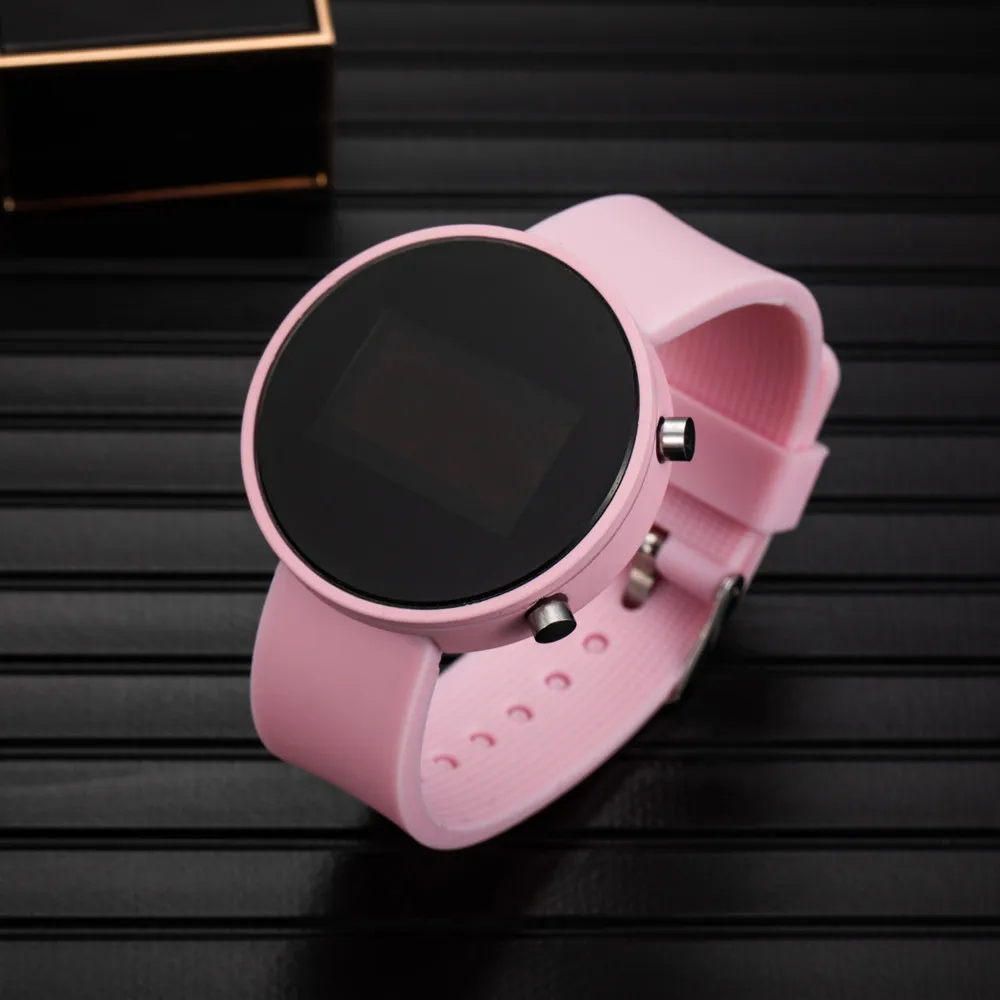
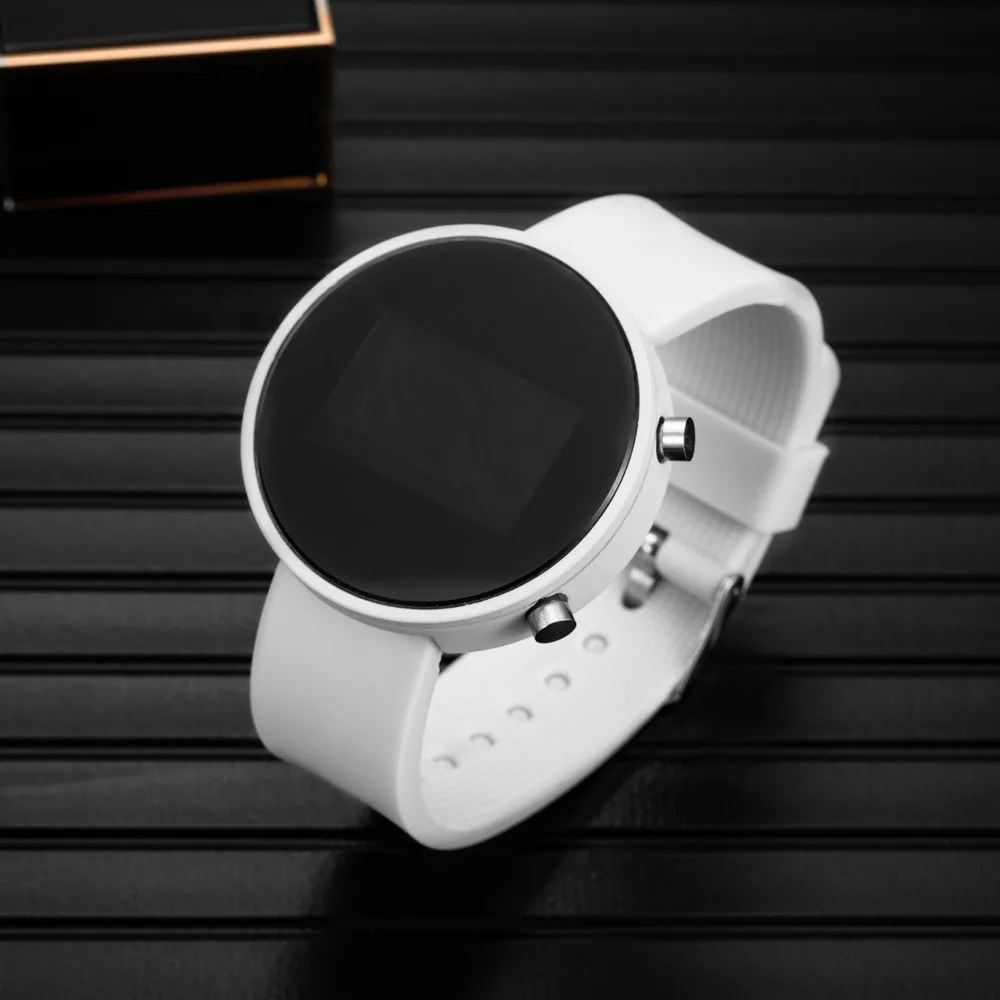


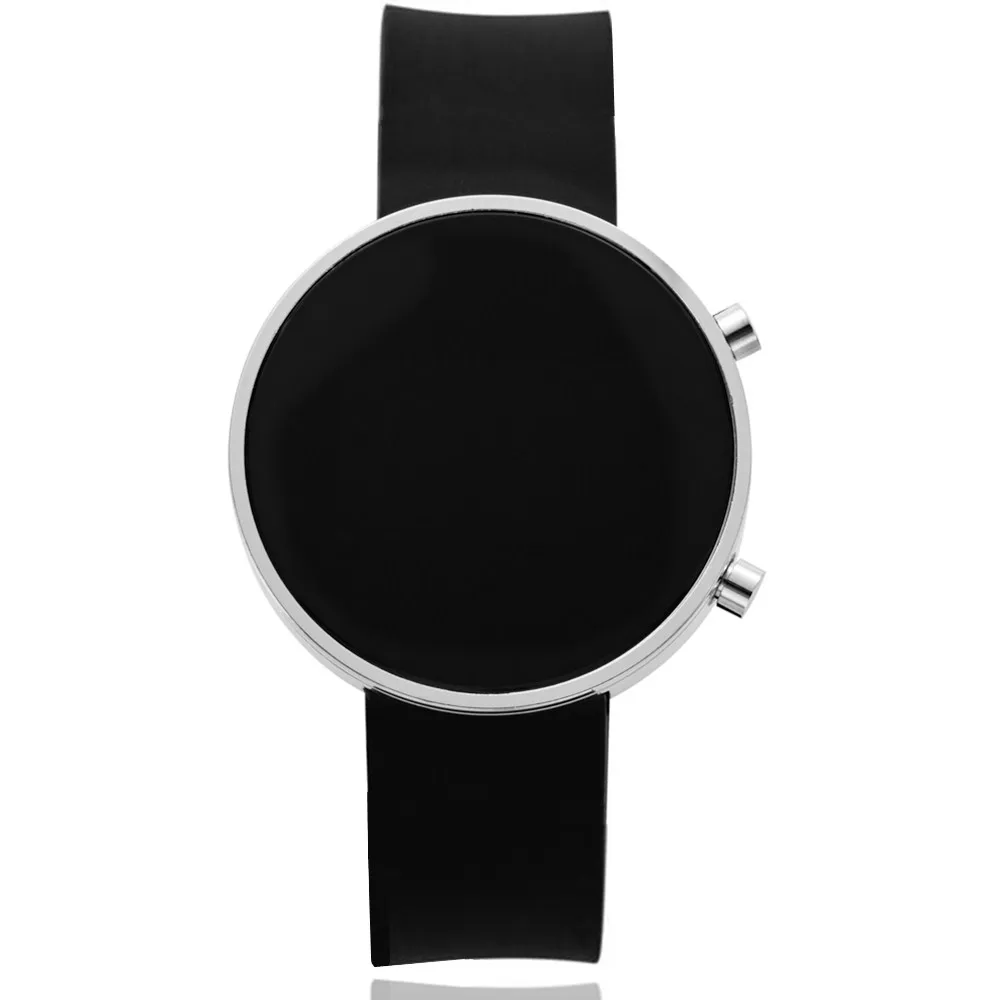
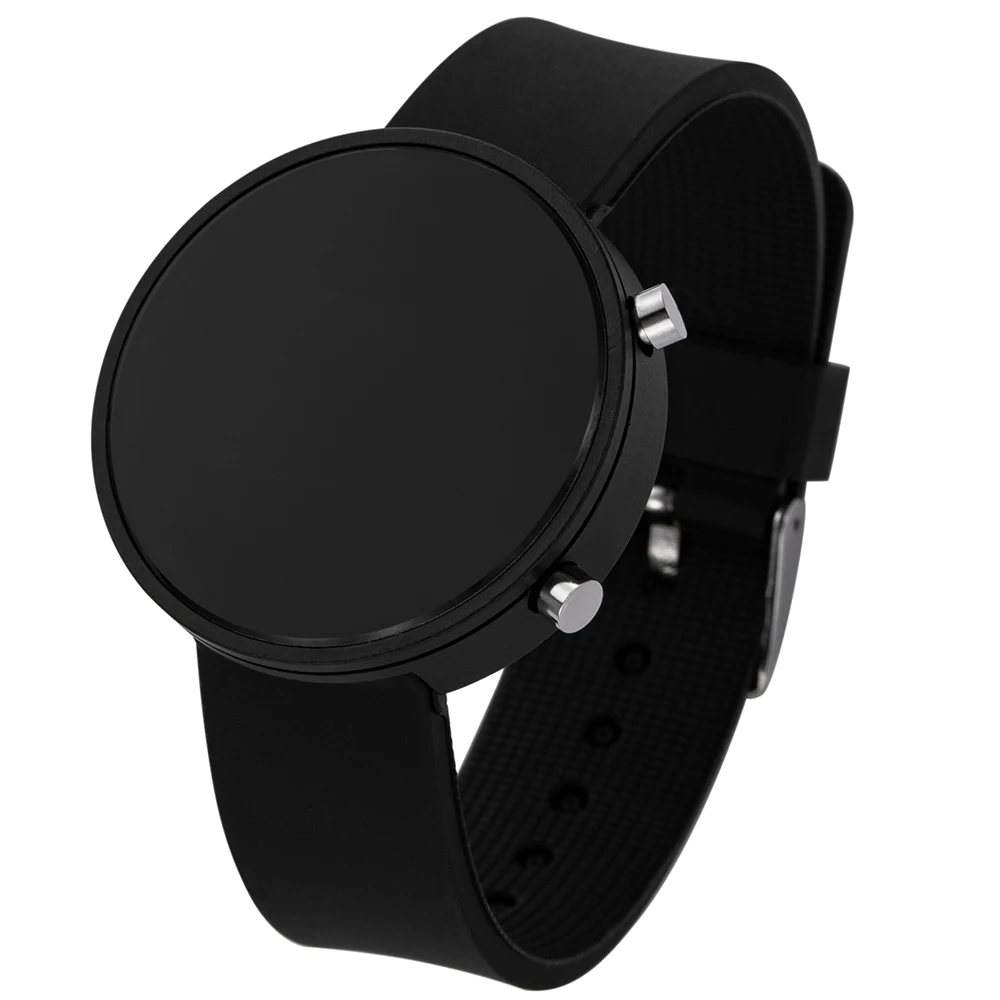
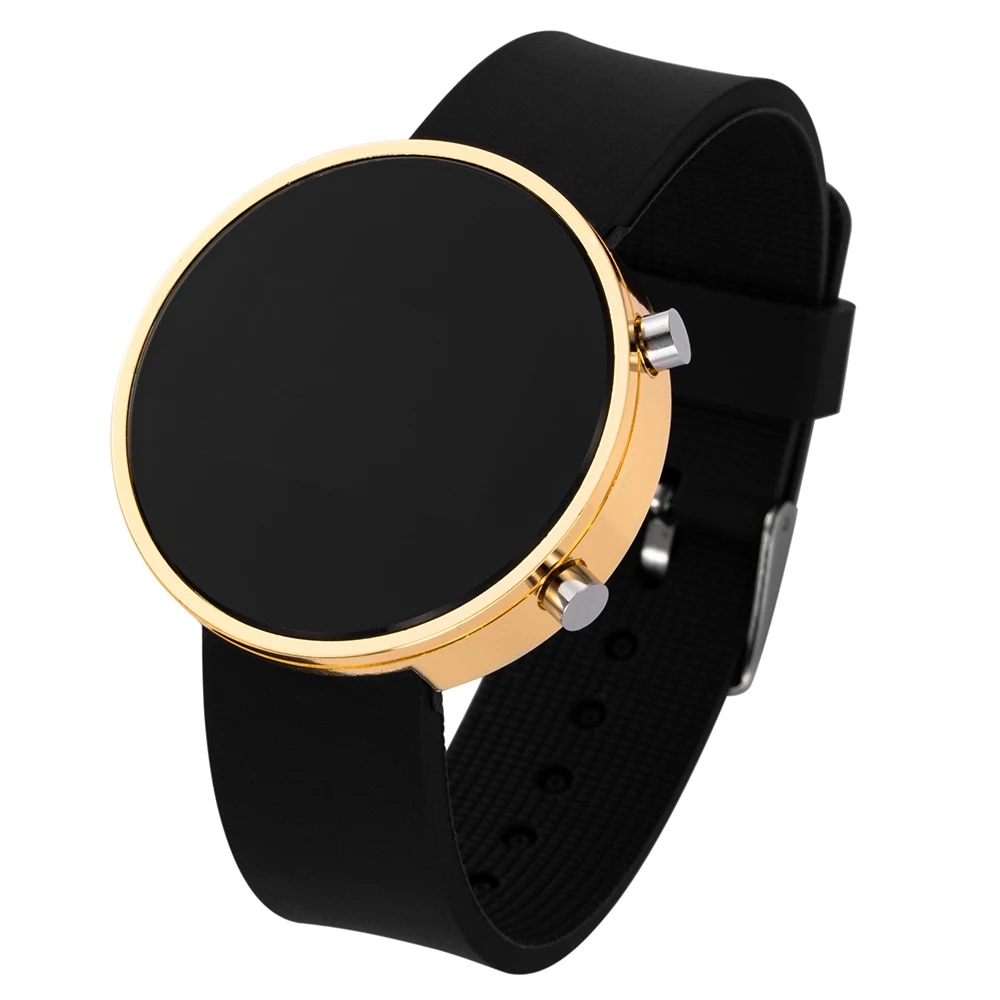

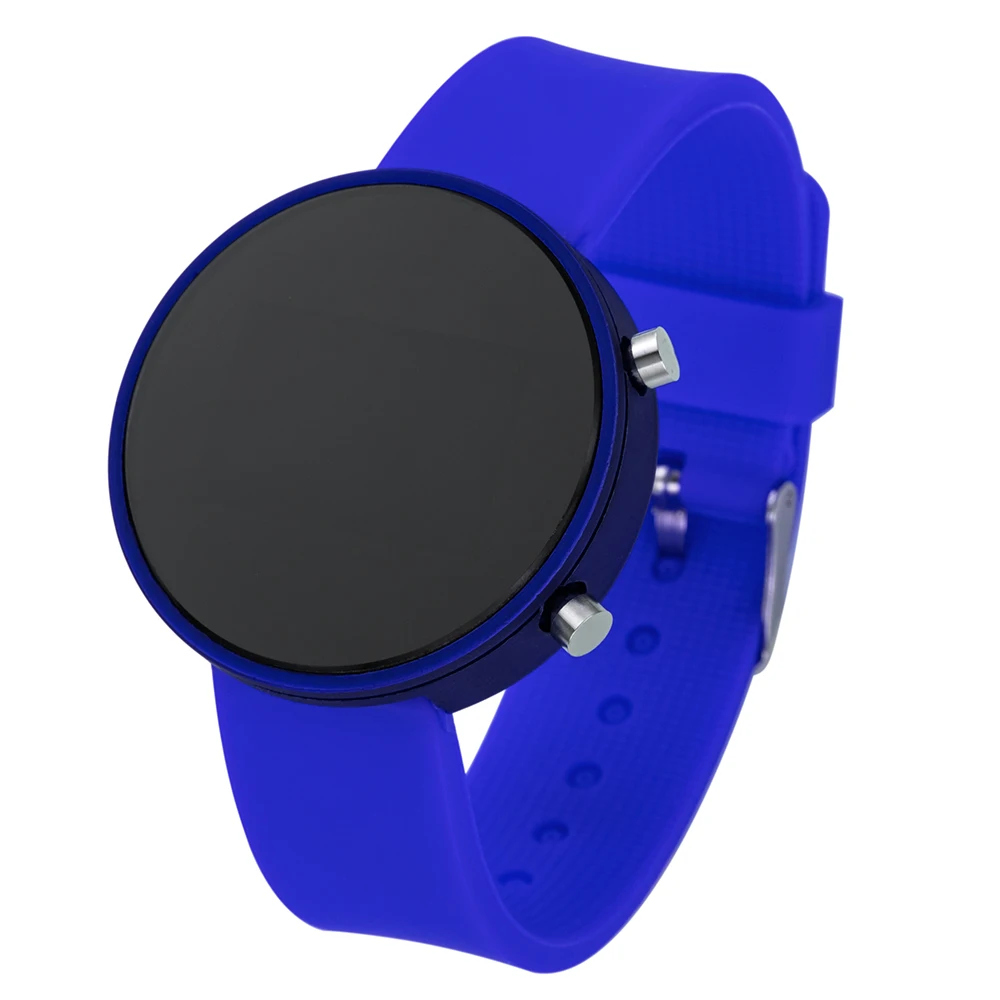




Led Sports Women Watches Men Digital Watches Top Brand Luxury Ladies Digital Watches Watches For Women Men Digital Reloj Hombre
$82.06
Product Details
SPECIFICATIONS
Attributes: Men's watch
Attributes 1: Watch for women
Attributes 10: Women watch
Attributes 11: Women's wristwatch
Attributes 12: Watches
Attributes 2: Reloj mujer
Attributes 3: Men's sports watch
Attributes 4: Montre femme
Attributes 5: Women's wrist watches
Attributes 6: zegarek damski
Attributes 7: relojes para mujer
Attributes 8: Reloj hombre
Attributes 9: Watch for women
Band Length: 24.5
Band Material Type: Silicone
Band Width: 20
Boxes & Cases Material: No package
Brand Name: NoEnName_Null
Case Material: Plastic
Case Shape: Round
Case Thickness: 8
Certification: None
Choice: yes
Clasp Type: Buckle
Colors: Black,Gold,Rose Gold,Blue,Pink,Red,Rose
Dial Diameter: 40
Dial Window Material Type: Acrylic
Display Type: Digital
Feature: Shock Resistant,LED display
For 1: Women's watch
For 2: Women's watches
Functions: Time,Date
Gender: Women,Men
Hign-concerned Chemical: None
Model Number: Top Brand Luxury Ladies Digital Watches
Montre Femme: Women Watches Digital Watch Ladies
Movement: Digital
Origin: Mainland China
Style: Fashion & Casual
Support: Dropshipping,Wholesale
Water Resistance Depth: No Waterproof
Zegarek Damski: Watches Women 2020
semi_Choice: yes
Item
Led Sports Women Watches Men Digital Watches Top Brand Luxury Ladies Digital Watches Watches For Women Men Digital Reloj Hombre
Description
Name: Digital Wrist Watches
Style: Fashion, Casual, Simple , Creative,Sport
Strap length:24cm
Dial diameter: 41mm
Dial thickness: 10mm
Band material: Silicone Strap
Package: 1X Wrist Watches
Weight:48g
Setup steps
1. Press the A button in the standby mode to display the time normally.
2. Press B again to enter the hour debugging, the hour digit flashes, press A to set the hour.
3. Press B again to enter the minute debugging. The minute digits flash, press A to set the minute.
4. Press B again to enter the month debugging. The month digits flash, press A to set the month.
5. Press B again to enter the date debugging, the date digits flash, press A to set the date.
6. Press B again to enter the year debugging. The year digit flashes. Press A to set the year.
7. Press B again to enter the 12/24 hour setting, 12/24 will flash.
8. Press A to adjust the time system, then press B to return to the normal time interface.
If there is no operation, it will automatically turn off after 3 seconds